Hardware & Bill of Materials
Visit the DeskRadar Etsy store.
Buy the DeskRadar STL files on Printables.
Power Options
DeskRadar has two power options.
Option 1: Pi USB-C plus direct matrix power
- Plug the Raspberry Pi USB-C power cable into the Pi through the dev opening on the side of the enclosure, where you can see the Pi I/O
- Plug a 2.1 mm barrel-jack power supply into the rear jack. A 12 V 3 A supply is recommended with DC-DC buck. (see BoM below)
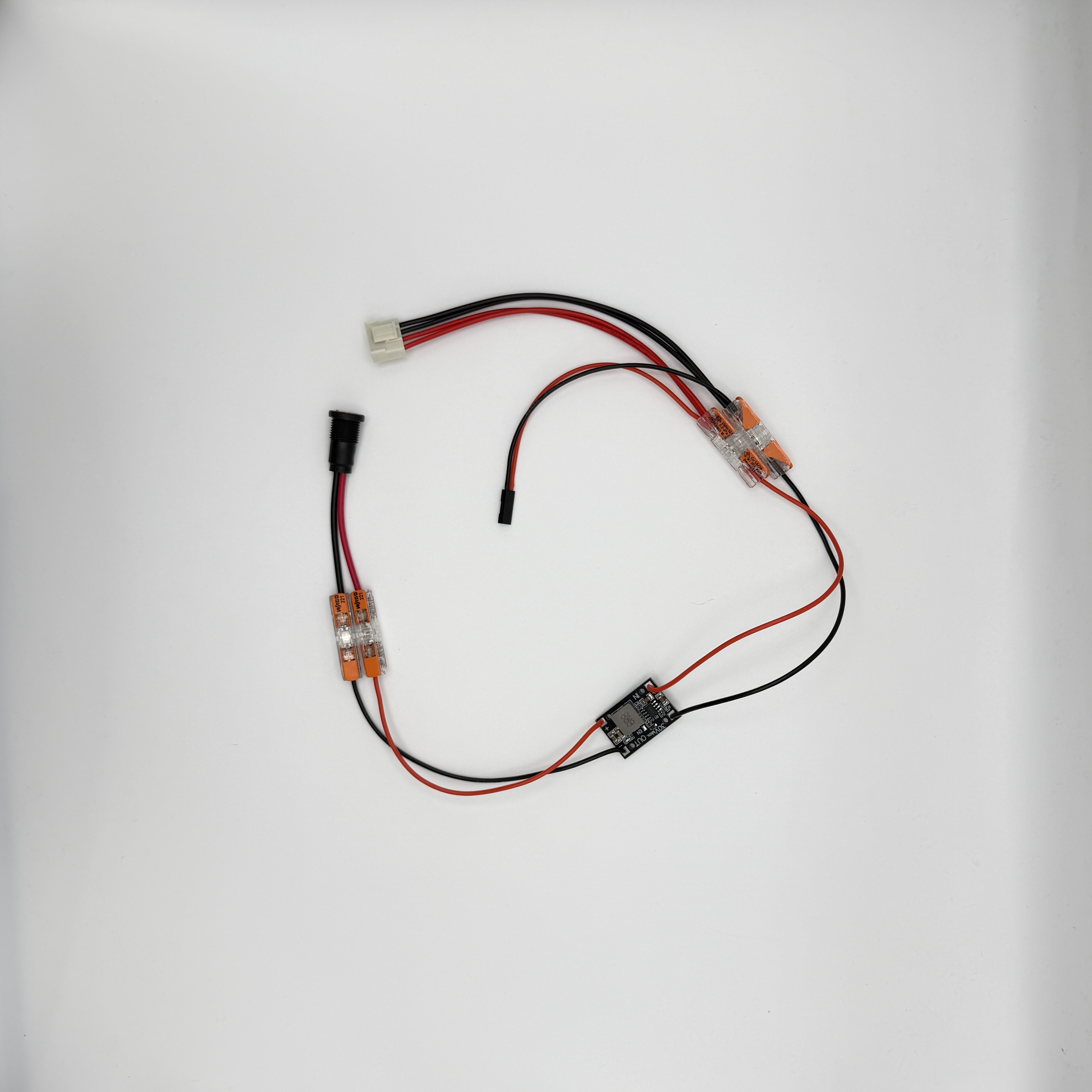
- Connect the rear jack to the LED matrix only, using the Wago connectors. (see BoM below)
In this setup, the Pi and MatrixPortal are powered over USB: the Pi powers the MatrixPortal.
This option is ugly, but simple and reliable.
Option 2: Custom power rail
The custom power rail powers all internal components. This should make the build cleaner because no power cable needs to exit through the side of the enclosure.
This option is coming soon for purchase. I have it prototyped but want to be happy with it before I release it on the store. You can find instructions on how to build it in the Custom Power Rail guide, but note this is constantly evolving.